Database diagrams. Sketched on your Mac.
Sketch the tables in a database and how they join, for a design review, a handover or the page in your documentation that everyone actually reads. SimpleDiagrams 5 is a native Mac app you buy once.
- Up to 60
- fields in a table, each with its type
- Marks
- for primary and foreign keys, and unique, indexed and nullable fields
- 5
- crow's-foot relationships, field to field
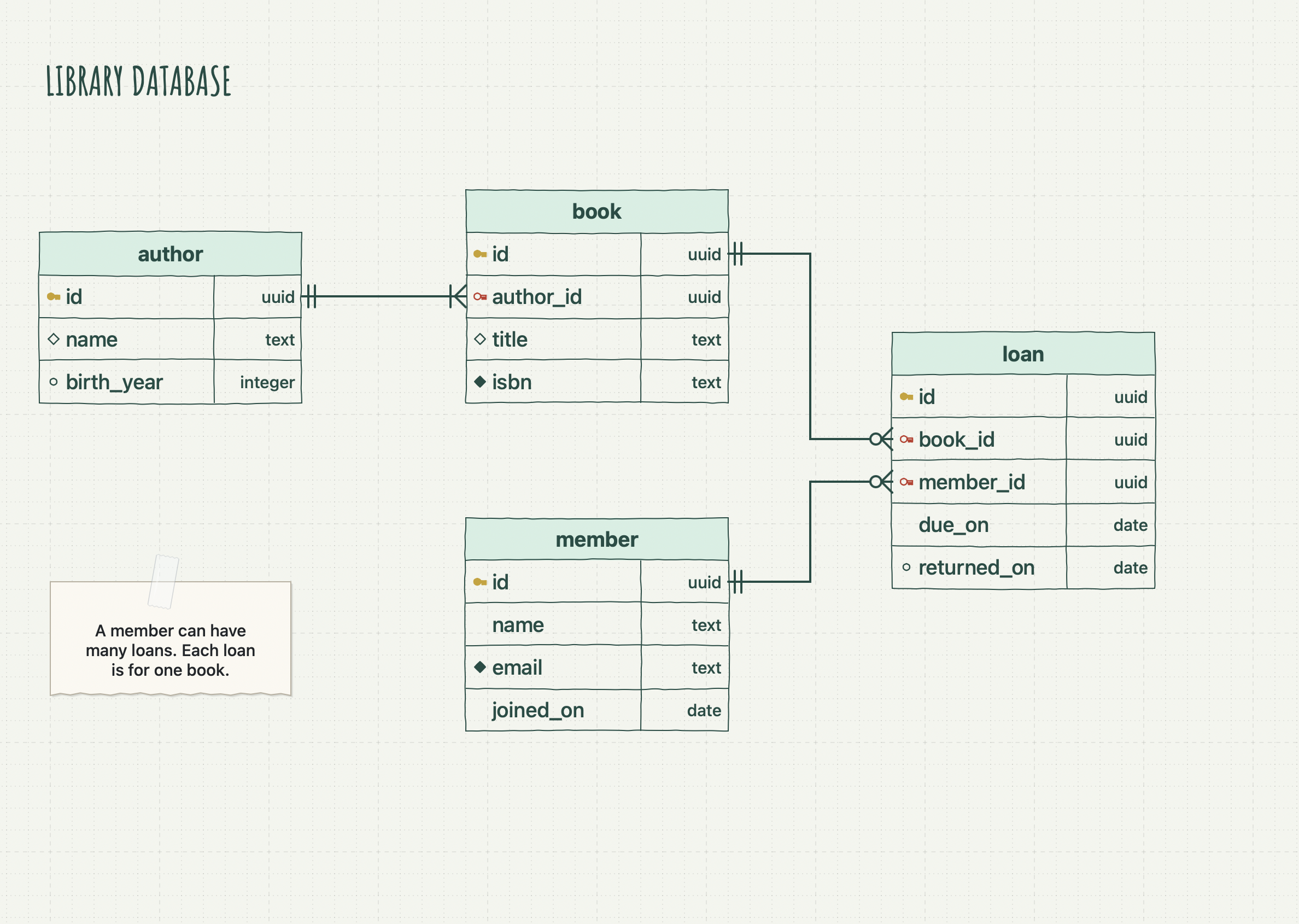
Entity tables that type like tables
A table's name, its fields and their types, laid out the way a schema reads.
A row for each field
An entity table has the table's name in its header and a row for each field, with the field's name on the left and its type on the right. It holds up to 60 fields.
Quick to fill in
Double-click a cell and type. Tab moves to the next cell, and Tab in the last one adds a field. Move a field up or down from the Format menu or by right-clicking it.
Field marks
Mark a field as a primary key, a foreign key, unique, indexed or nullable. The marks sit in a narrow column before the names, so the names stay lined up.
Lines from field to field
Every field has a connection point at each end of its row, so a line can run from orders.customer_id to customers.id. Add, delete or move rows and each line stays with its field.
Crow's-foot relationships
Five relationship lines, each with the endings that say how many rows sit at either end.
| Relationship | Start | End |
|---|---|---|
| One to One | One and Only One | One and Only One |
| One to Many | One and Only One | One or Many |
| One to Zero or Many | One and Only One | Zero or Many |
| One to Zero or One | One and Only One | Zero or One |
| Many to Many | Zero or Many | Zero or Many |
Each line runs at right angles. Click a relationship and draw from the “one” side, or restyle lines you have drawn with Format › Entity Relationship.
Entity tables in the UML library
The UML library's Database Entity places an entity table, ready to fill in, beside the class boxes and relationships.
Explore this library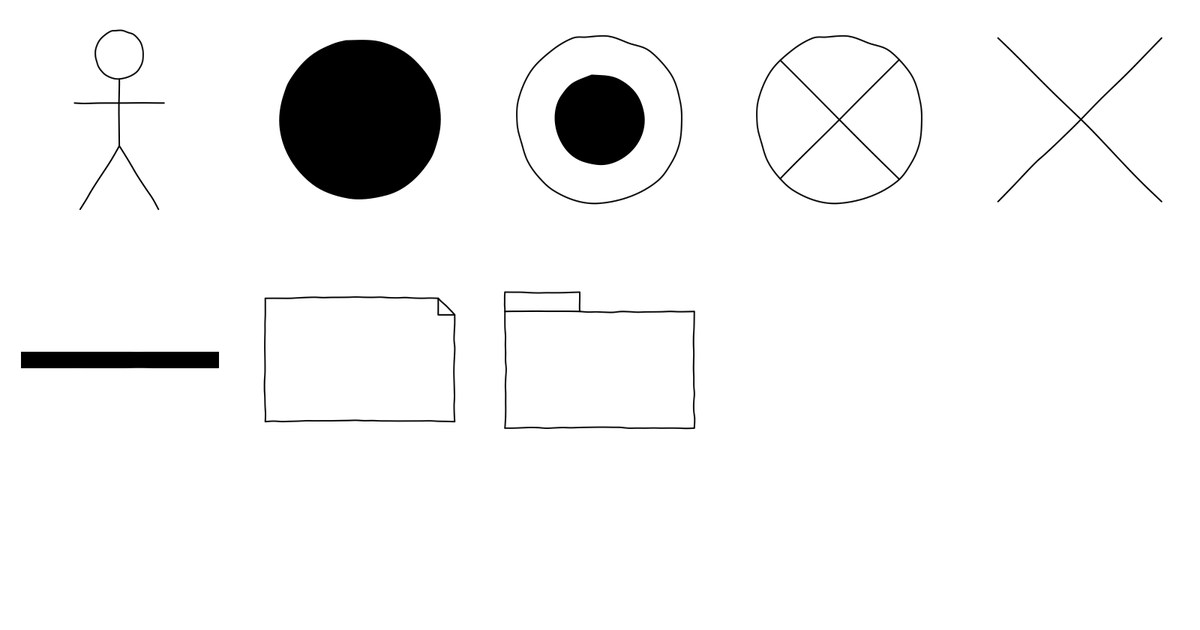
A drawing app, not a database tool
SimpleDiagrams draws your schema for people to read. It does not connect to a database, read or write SQL, or check your keys and relationships.
The user guide explains entity tables and their relationships in full.
Download SimpleDiagrams 5 and try it free for 7 days
The free trial is in the download from this site. The Mac App Store edition is paid up front and has no trial.

One licence covers one person on every Mac they use.
Drawing the classes that sit on top of the tables? See UML diagrams on your Mac.